
Rules for Email Signatures
EnterpriseTo provide signatures to users, specific rules must be defined for each signature integration. These determine when and which signature is selected or made available to the user.
To do this, click on “Create” in the “Rules” section of the respective email signature integration.
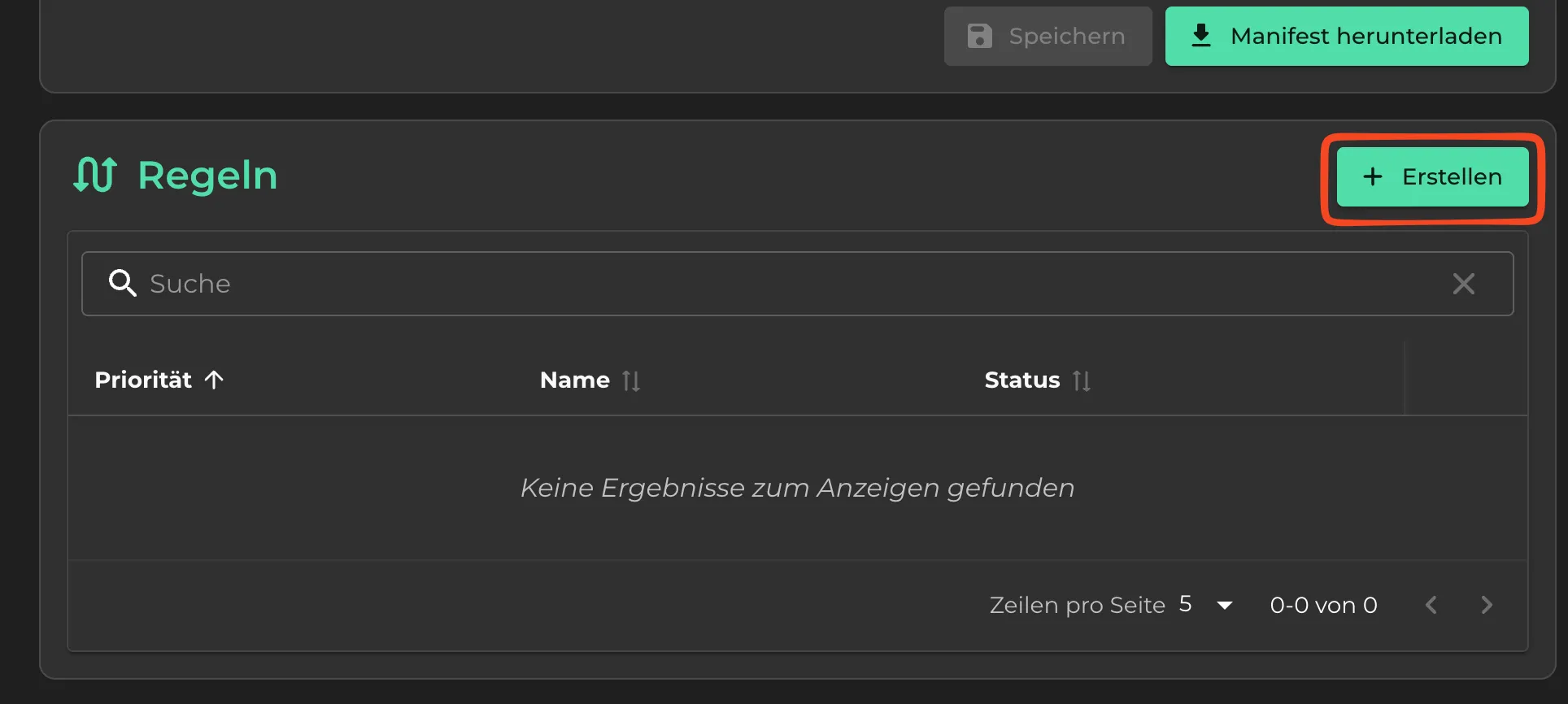
You can now create a new rule for assigning a signature. Each rule can contain one signature.
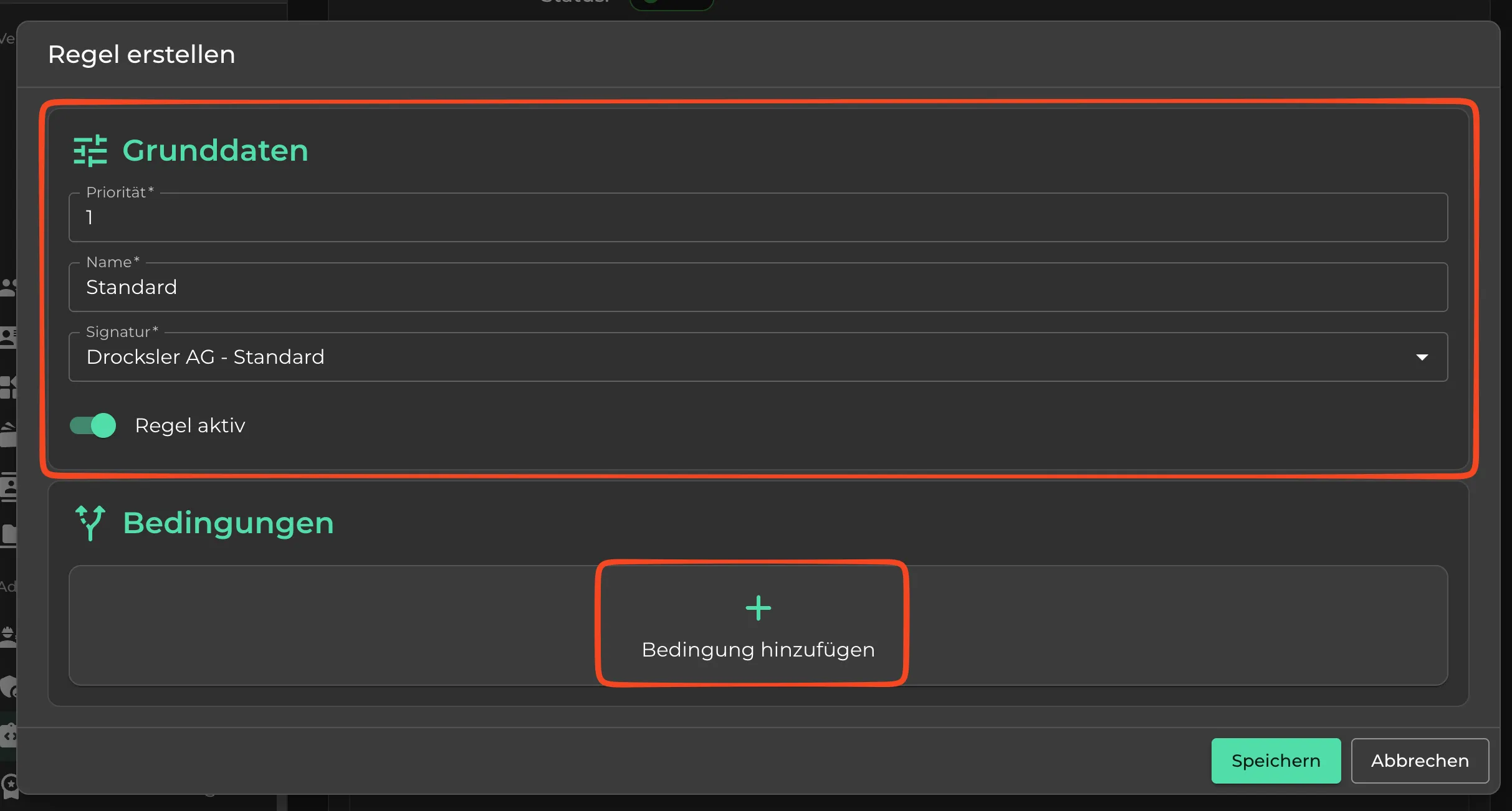
- Priority: Defines the order for users. Priority 1 is shown first, then 2, then 3, and so on.
- Name: Used for internal organization; this text is not visible to the user.
- Signature: The signature that is distributed via the rule.
- Rule active: If the toggle is off, the rule will no longer be evaluated.
Conditions
Conditions allow you to restrict the availability of a signature to specific user groups. For example: a signature only for the management team.